Why SKU growth breaks traditional decoration
In screen, pad and label workflows, each design carries its own fixed costs: tooling, setup, approval and often a minimum order of pre-printed labels or sleeves. When a brand has five SKUs, those costs disappear into long runs. When it has fifty, each with a smaller run, the fixed costs start to dominate.
The symptoms are familiar: more changeovers per shift, more labor spent on setup than production, shelves of labels for designs that sell slowly, and a planning team juggling minimum order quantities instead of demand.
Four levers that scale SKUs without scaling headcount
- 01
Make artwork the only variable
When decoration is digital, a new SKU is a new file. No screen, no plate, no label minimum.
- 02
Build fixture families
Group products by geometry so dozens of SKUs share a handful of fixtures.
- 03
Sequence by shape, not by order
Run every SKU on one bottle shape together, changing only artwork, before switching fixtures.
- 04
Decorate to demand
Hold blank product and print what ships this week, instead of forecasting labels months ahead.
What one operator can actually run
Adding SKUs does not have to add people when the work per changeover shrinks. In a digital direct-to-object workflow, the operator's job is loading, unloading, inspection and packing; the artwork change happens at the workstation. The constraint becomes how fast parts can be handled, which is why loading ergonomics, fixture design and, where volumes justify it, automation matter more than print speed alone.
Be honest about the limit. If every SKU is a different shape, fixture swaps come back. Plan the product family and the fixturing together, and ask any vendor to demonstrate a changeover across your real shapes.
Adding a SKU: two workflows
Screen or label workflow
- New screens or plates for every color
- Label or sleeve minimum order, plus storage
- Setup and approval before every run
- Obsolete stock when artwork changes
Digital direct-to-object workflow
- A new artwork file
- No pre-printed inventory
- First-piece check, then run
- Artwork updates take effect on the next piece
SKU readiness checklist
Count your true SKU list
Include every version: sizes, regions, languages, seasonal and promotional variants.
Map SKUs to shapes
How many unique geometries sit underneath all those designs? That number sets your fixture count.
Measure run lengths
What share of SKUs run fewer pieces per order than your current minimums? That is where the savings live.
Audit label and sleeve inventory
Add up stock on hand, storage cost and what was written off last year.
Define the approval path
Who signs off on new artwork, and can that happen before the line stops?
Plan the file workflow
Naming, versions and print settings stored with each file, so reruns match the original.
Brand elevation without the overhead
When a new design costs a file instead of a tooling order, marketing can say yes more often: a regional edition, a retailer exclusive, a colorway test, a holiday run. Each one is a chance to elevate the brand and improve the look and feel of the product on the shelf, without the operations team paying for it in setup hours. That is the real return on handling many SKUs well: more splash per product line, and more ROI from the same line and the same people.
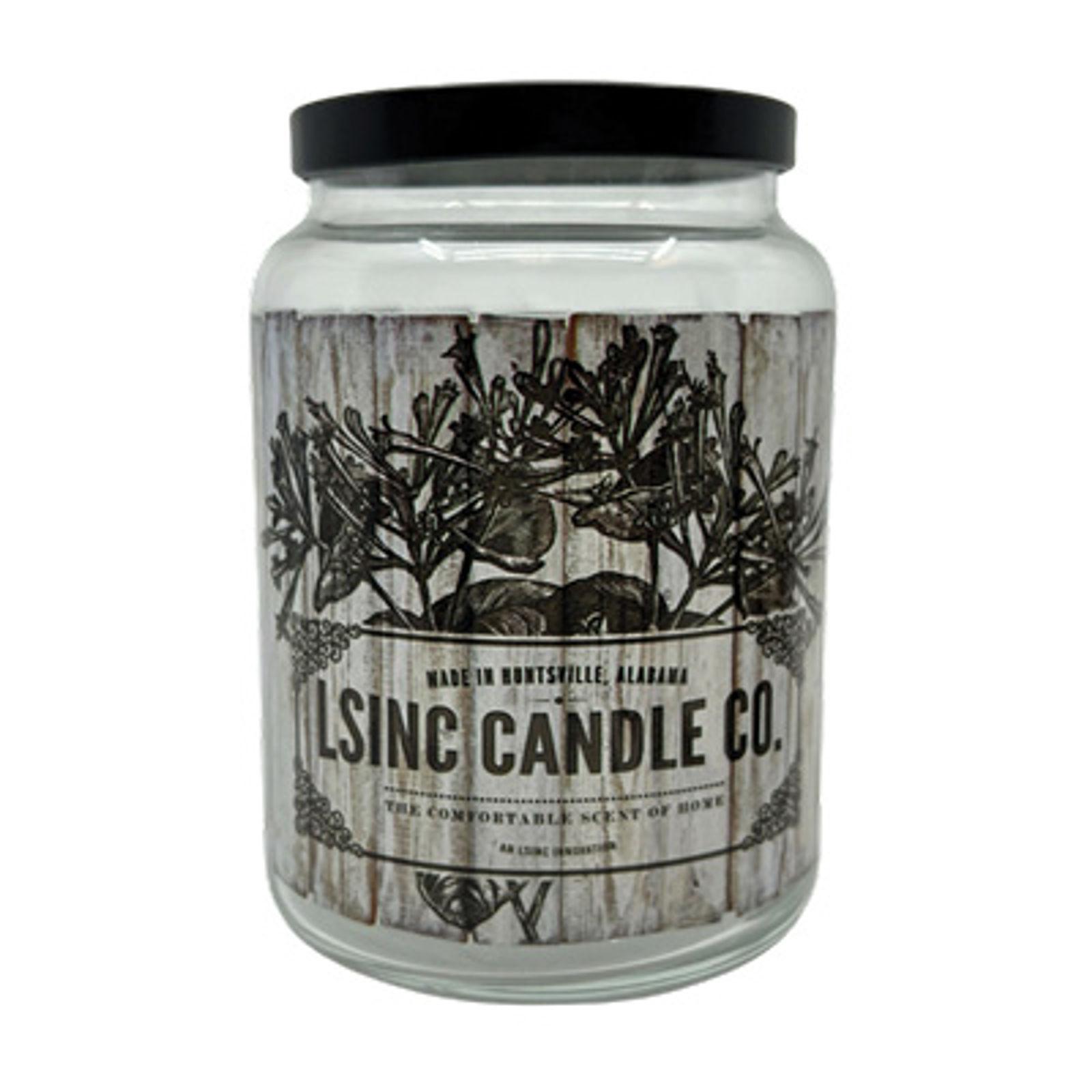
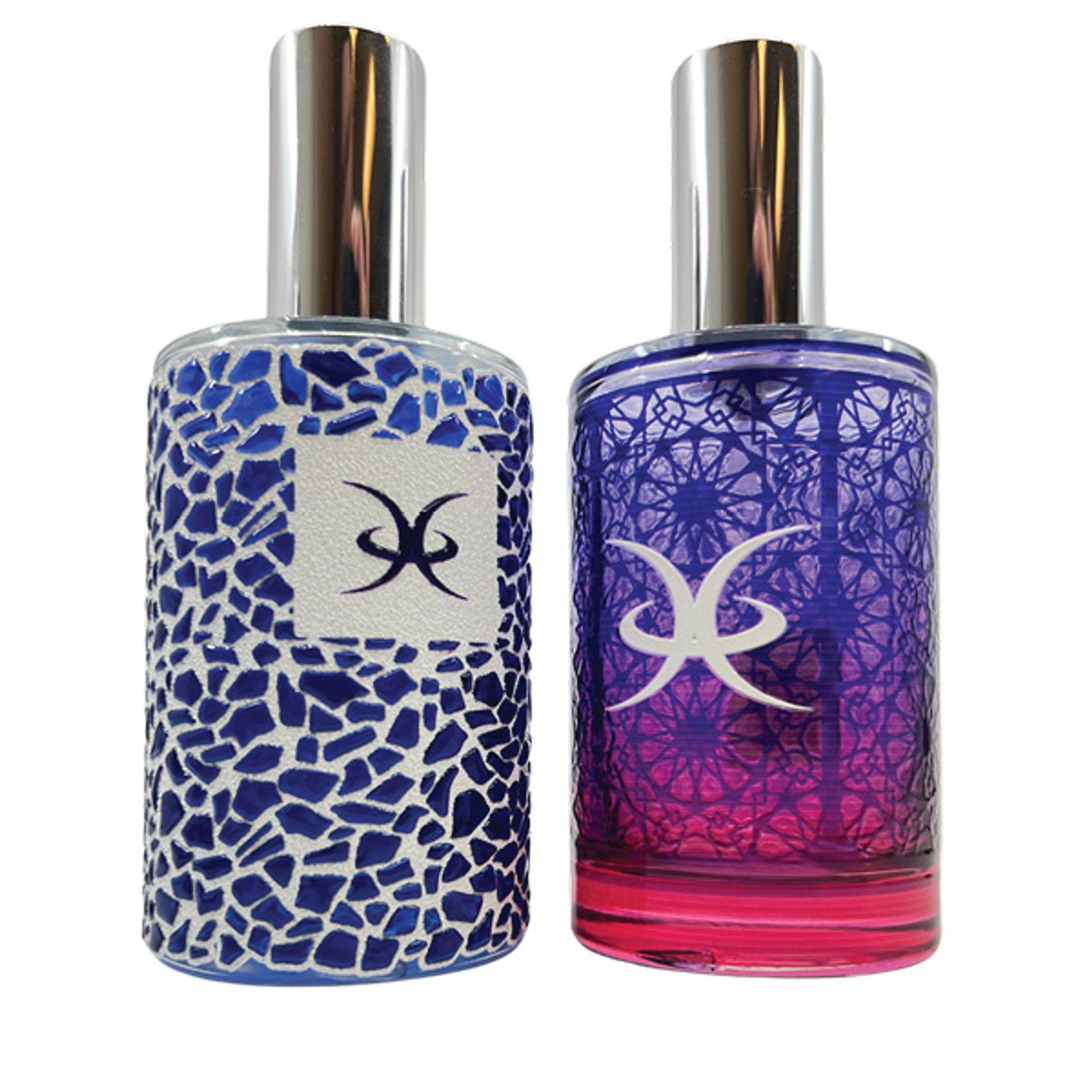
Explore how LSINC printers handle cosmetics packaging, bottles and candles.
Questions buyers ask
How many SKUs can one direct-to-object printer handle?
There is no hard SKU limit, since each design is a file. The practical limits are how many different shapes you run and how quickly those fixtures change.
Do I need more operators to run more SKUs?
Not if changeovers are mostly artwork changes. Labor is driven by handling, inspection and fixture swaps, so plan those alongside the SKU list.
What about seasonal and limited-edition designs?
They are one of the best fits for digital decoration. With no tooling to amortize, the cost of a limited run is driven by ink coverage and machine time rather than new screens or labels.
Can I print different designs back to back?
Yes. On a digital printer, consecutive pieces can carry different artwork as long as they share a fixture.
How do I keep brand colors consistent across many SKUs?
Use a managed color workflow: calibrated profiles, approved reference prints and stored print settings for every file.