In this guide
- 01What is direct-to-object printing?
- 02The direct-to-object process, step by step
- 03Why a digital workflow changes production
- 04Direct-to-object printing vs. traditional decoration
- 05Where manufacturers use direct-to-object printing
- 06Matching the printer to the job
- 07Printed directly on the product
- 08Questions buyers ask
What is direct-to-object printing?
Direct-to-object (DTO) printing is a digital process that applies graphics directly onto three-dimensional objects: bottles, drinkware, jars, tubes, cosmetic packaging and manufactured components. Unlike labeling, pad printing or screen printing, there is no intermediate carrier. No label stock, no transfer film, no screen or plate. The printhead puts ink on the product surface, and the product leaves the machine decorated.
Modern DTO systems use UV-curable inkjet inks, which lets them print durable, high-resolution graphics on glass, metal, plastic and ceramic. Because the artwork is a digital file, changing a design is a file change rather than a tooling change. That single fact is what makes DTO so useful for brands that want customization, frequent design refreshes or many SKUs.
The practical question for a buyer is not whether the technology works. It is whether it holds up in production on your part.
That is why every evaluation should end with a test print on your own product.
The direct-to-object process, step by step
Direct-to-object systems combine precision motion control, UV-curable inks and digital imaging to put graphics directly onto finished products. The process typically runs in four steps.
- 1
Object positioning
The product is held in a fixture or on a mandrel so it sits in a known, repeatable position. Good fixturing is what makes the thousandth piece match the first.
- 2
Digital image processing
Artwork is prepared in software and translated into precise instructions for every nozzle, mapped to the shape and circumference of the object.
- 3
Inkjet application
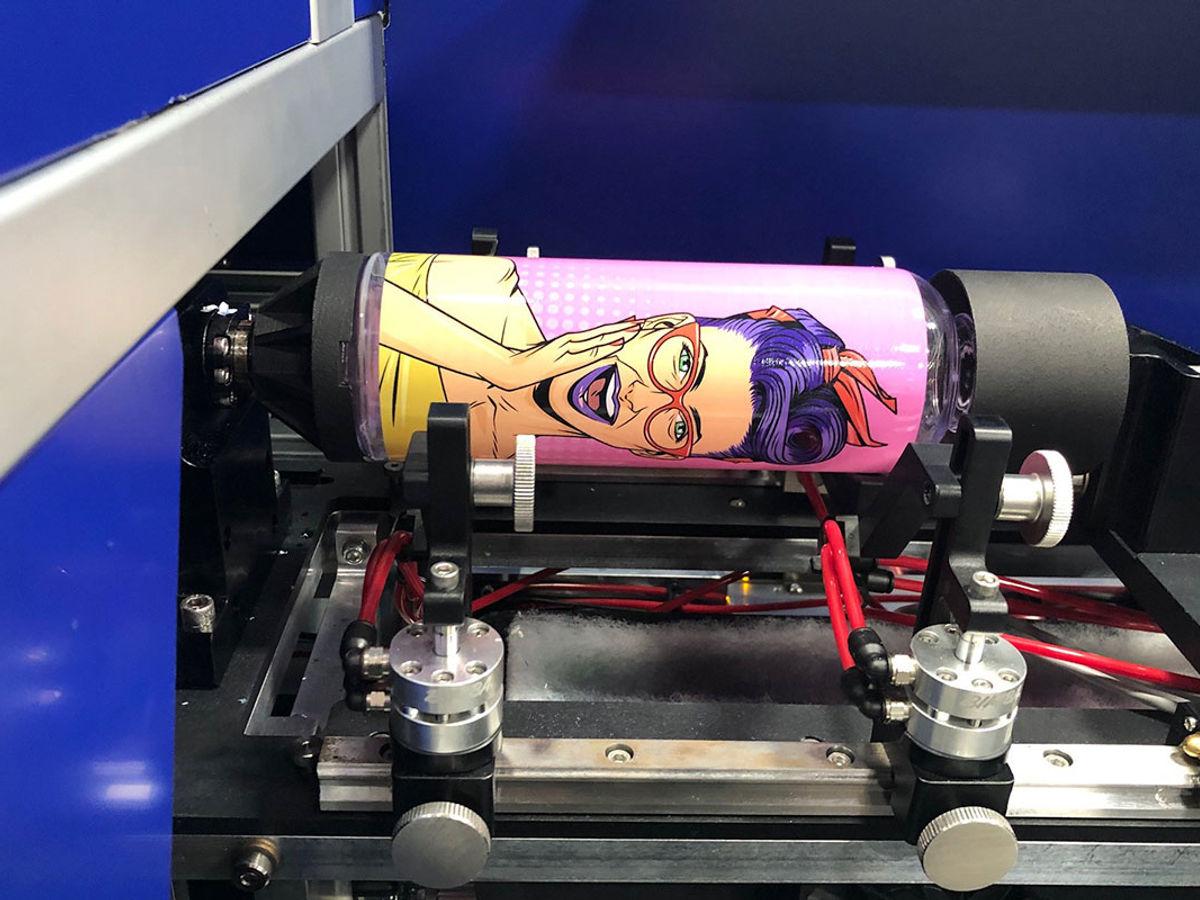
UV-curable ink is jetted directly onto the surface while precision motion rotates or moves the object under the printheads. Depending on the job, a white underbase, color and clear or textured layers are laid down in sequence.
- 4
UV curing
Ultraviolet light cures the ink in place, so pieces come off the machine ready for handling and packing, with no drying racks.
Why a digital workflow changes production
Because the image lives in software, the same machine can print a single personalized piece or a full production run without making screens, plates or labels. That changes the economics in three places:
- Setup: switching designs is a file change, so short runs stop carrying a tooling penalty.
- Inventory: there is no pre-printed label or sleeve stock to buy, store or write off when artwork changes.
- Customization: variable data, versions and personalization run on the same line as standard product.
The result is decoration that is faster to change, cheaper to run in small batches and easier to use for brand elevation, because the design team is no longer limited by how many screens or colors a job can afford.
Direct-to-object printing vs. traditional decoration
Labels, screens and pads
- A label, sleeve, screen or plate is made before the first good piece
- Each color or design change adds setup
- Label and sleeve stock must be bought, stored and applied
- A proven, economical choice for very long runs of one design
Direct-to-object digital
- The artwork file is the tooling
- Full color and variable data without extra screens
- Graphics applied directly to the product, with no labeling step
- Short runs and design changes do not carry a tooling cost
Where manufacturers use direct-to-object printing
- 01
Beverage and specialty packaging
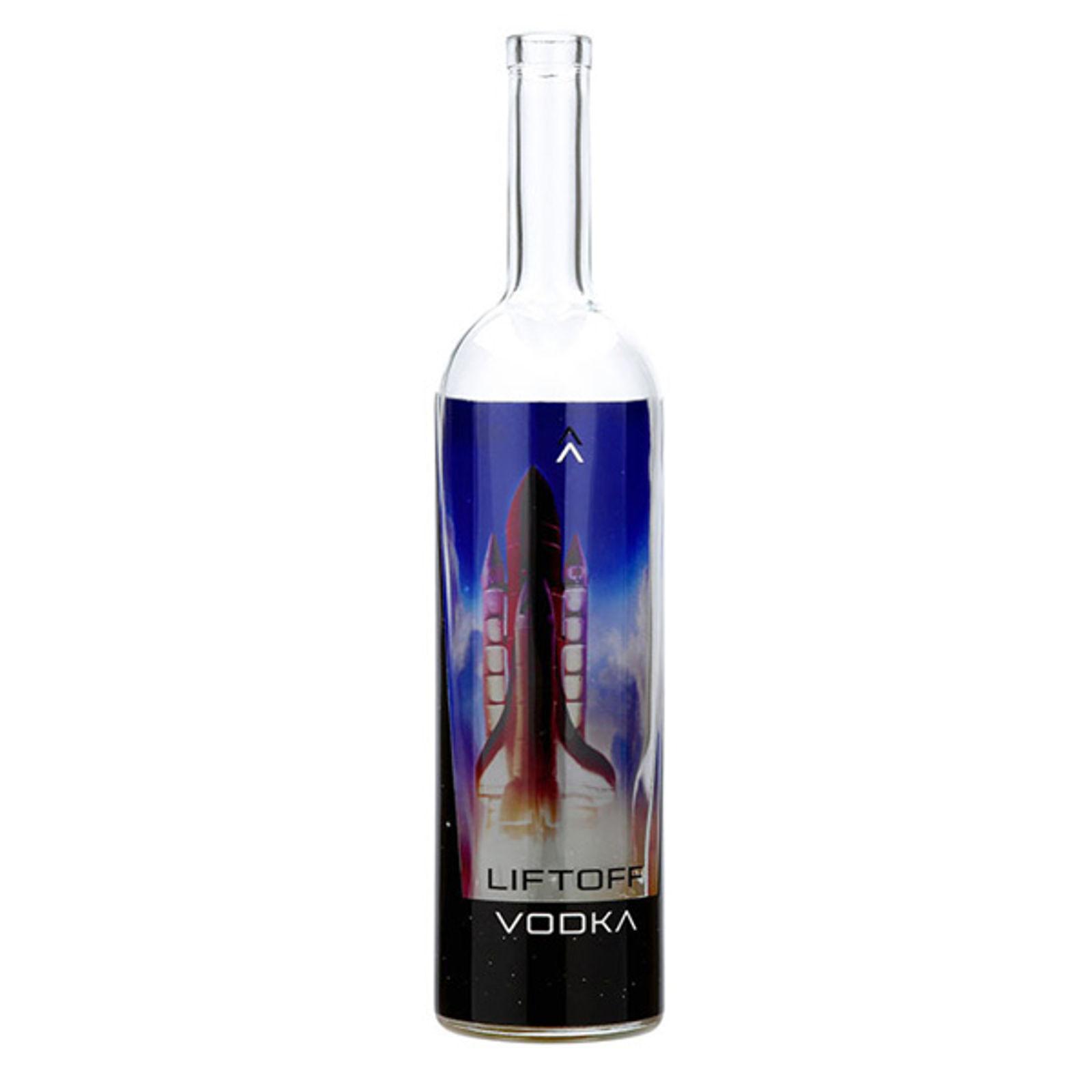
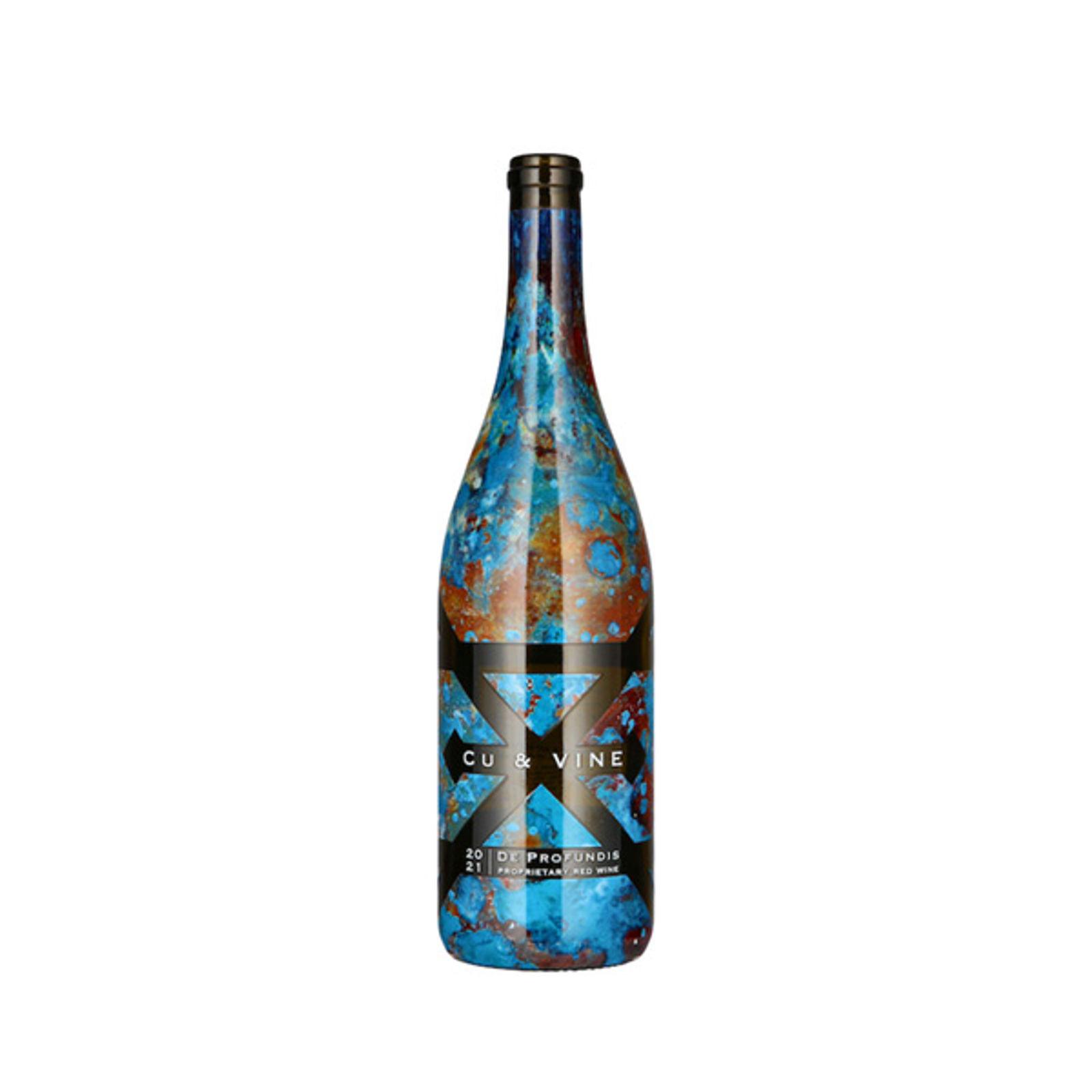
Wine, spirits, olive oil and specialty bottles decorated without labels. See bottle printing.
- 02
Cosmetic and personal care containers
Premium, full-color decoration on bottles and jars where the look of the package sells the product. See cosmetics packaging.
- 03
Drinkware and branded merchandise
Tumblers, pint glasses and customized products, from one-off gifts to production runs. See drinkware and customized products.
- 04
Glassware and metal containers
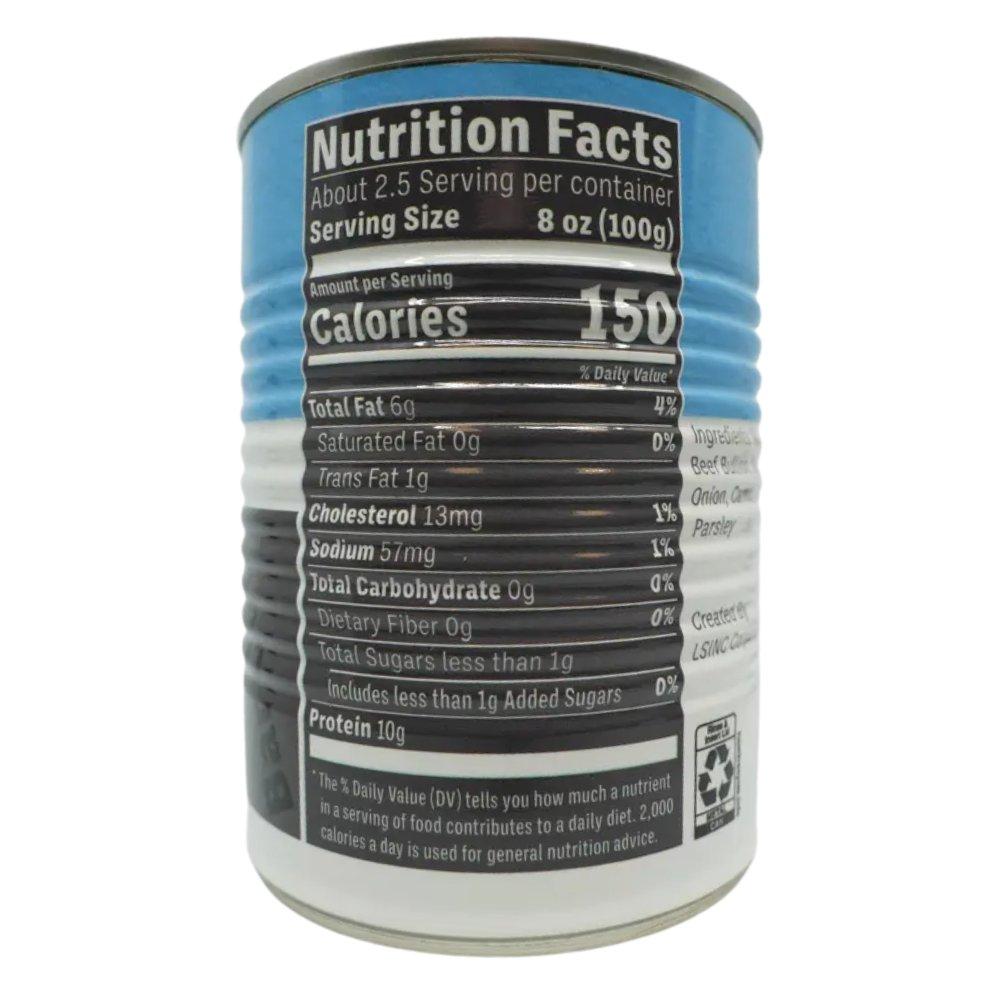
Jars, cans and glassware printed directly, including full-wrap designs. See jars and cans.
- 05
Specialty manufactured components
Engineered and industrial parts that need durable graphics or marking on a curved surface.
Matching the printer to the job
- 01
High-speed cylindrical printing
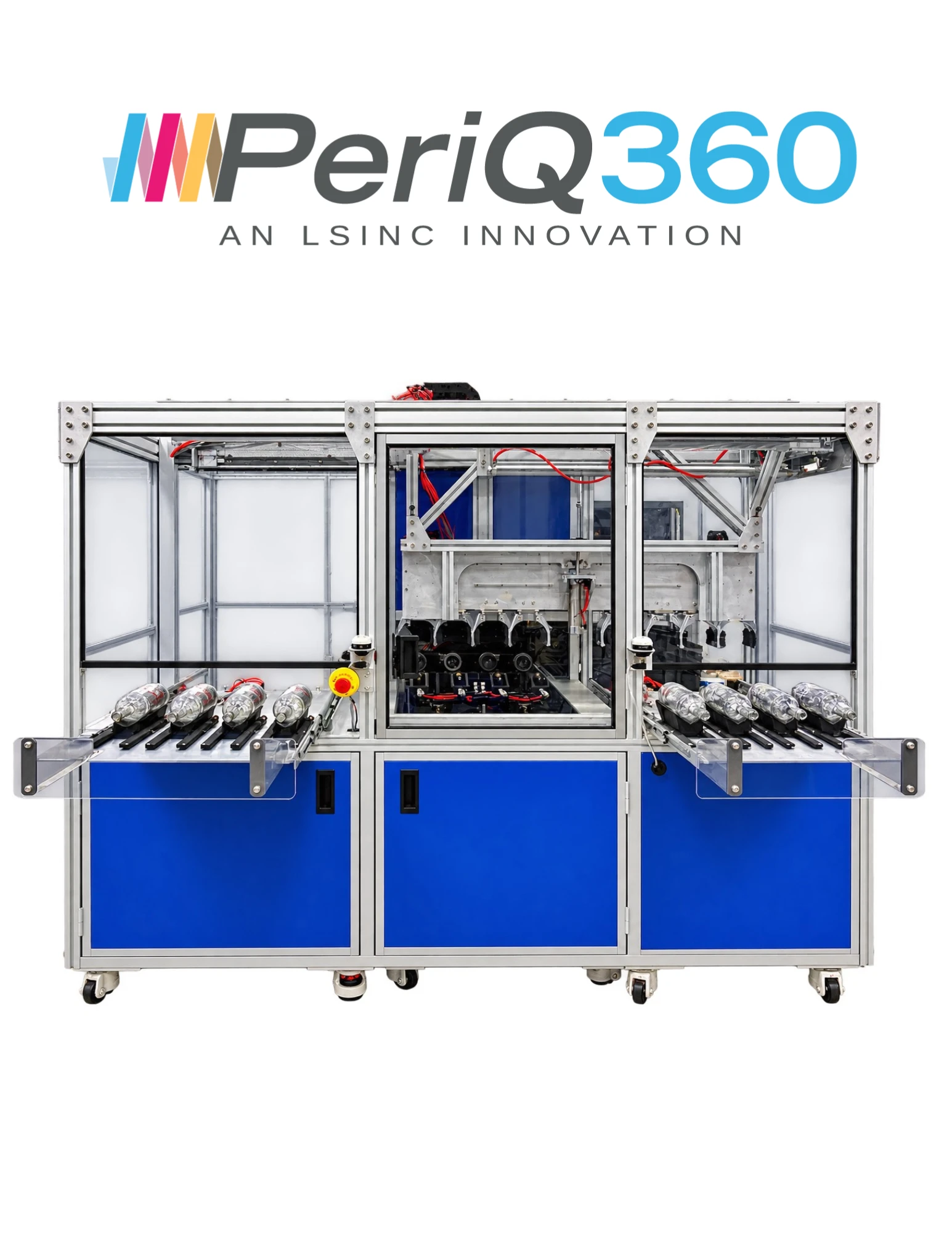
For bottles, cans and drinkware in production volumes, the PeriQ360 is built for continuous cylindrical throughput.
- 02
Complex and tapered substrates
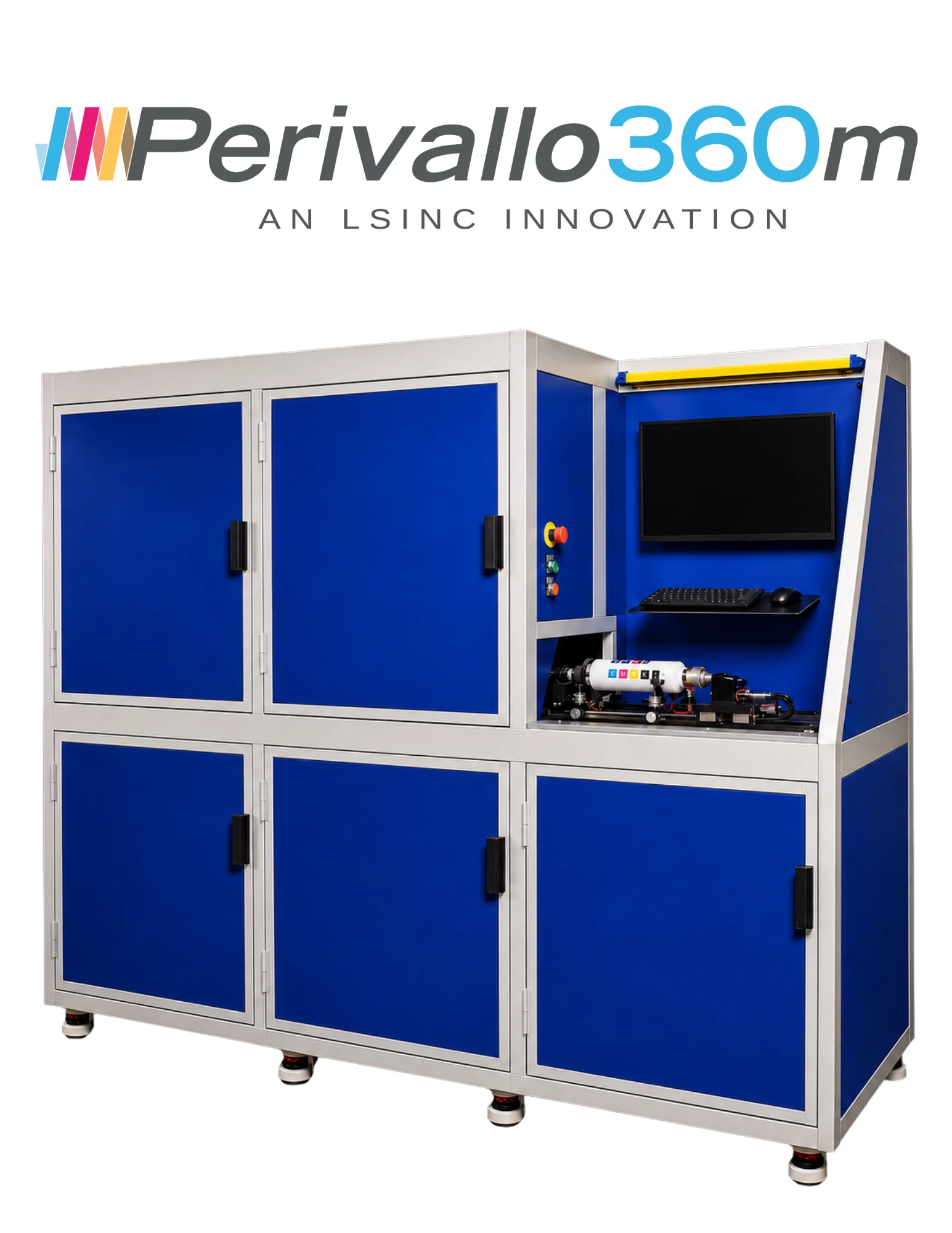
The Perivallo360m handles tapered, contoured and specialty shapes where the surface changes along the part.
- 03
Compact short-run production
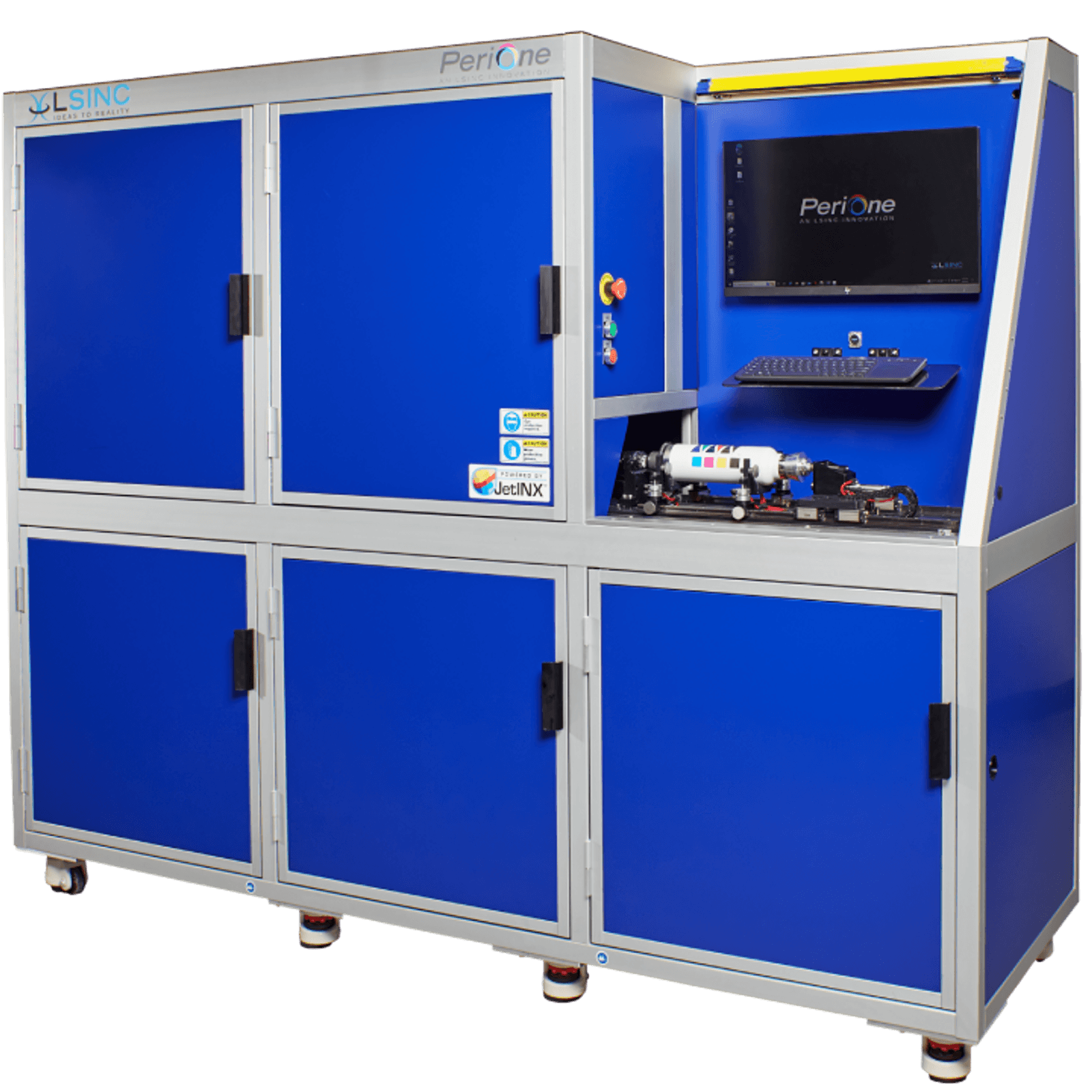
The PeriOne suits short runs, prototyping and specialty work, including raised, textured effects and designs that continue up a bottle neck.
- 04
Handled containers
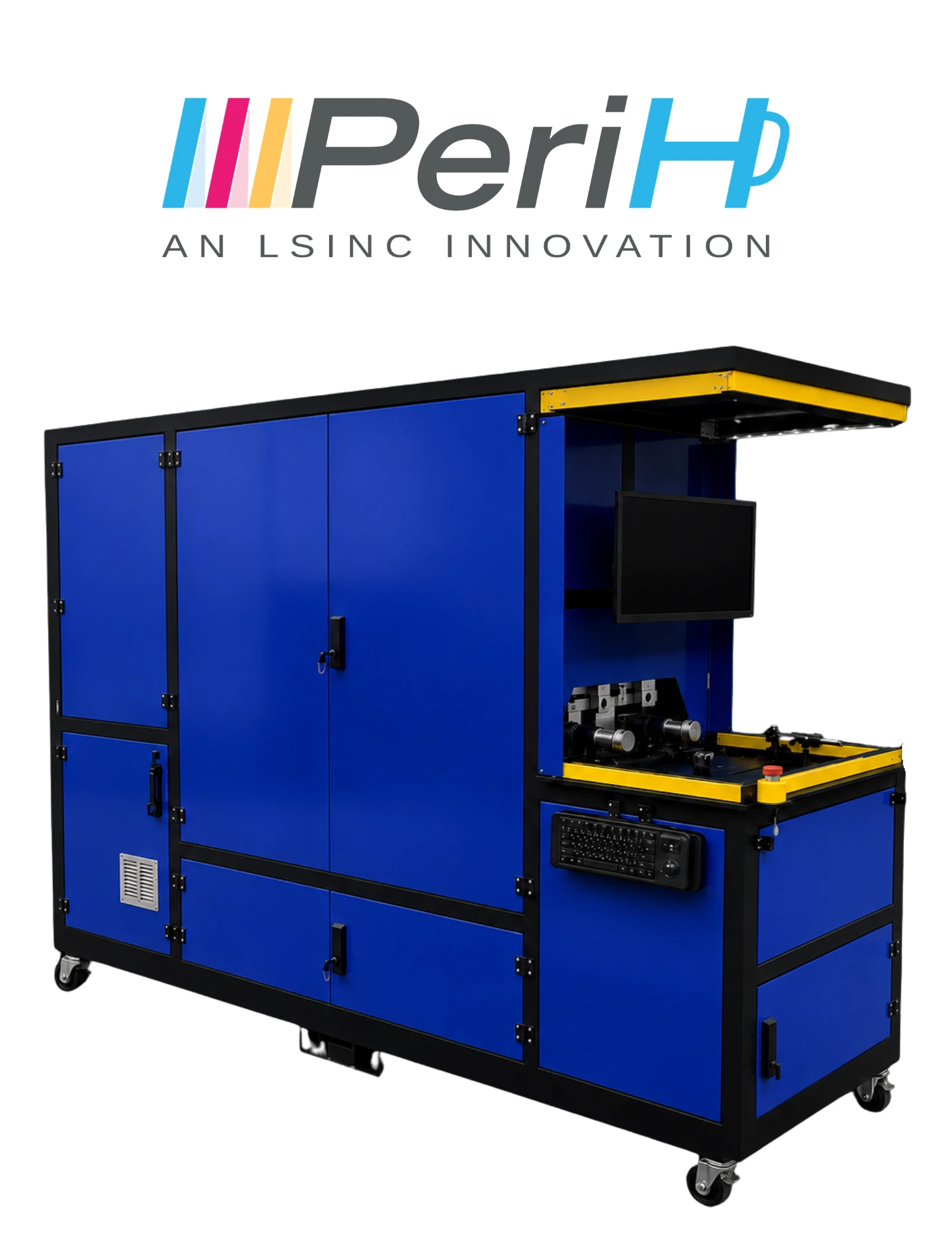
The PeriH is designed for handled mugs, tumblers and other handled pieces, printing around handle geometry.
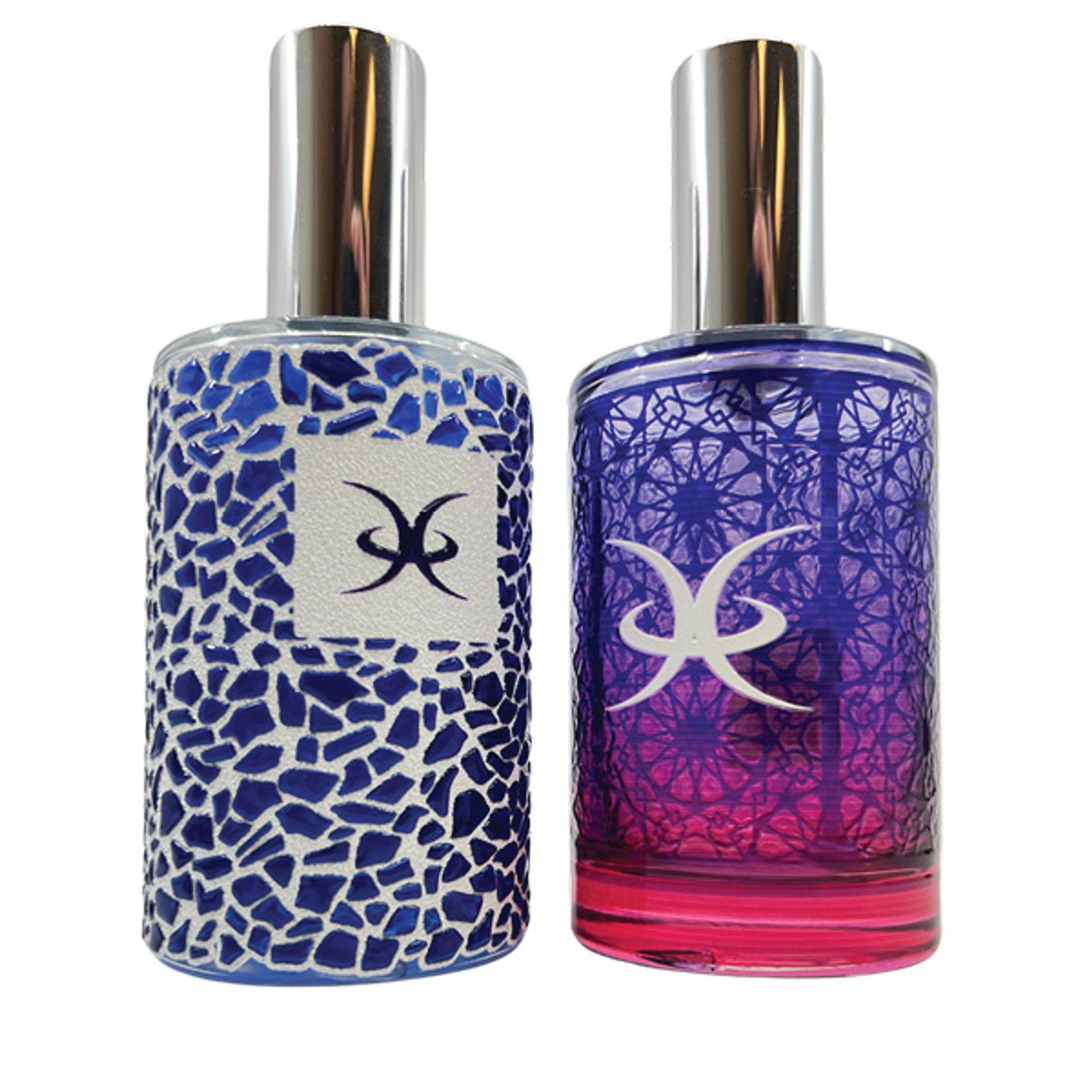
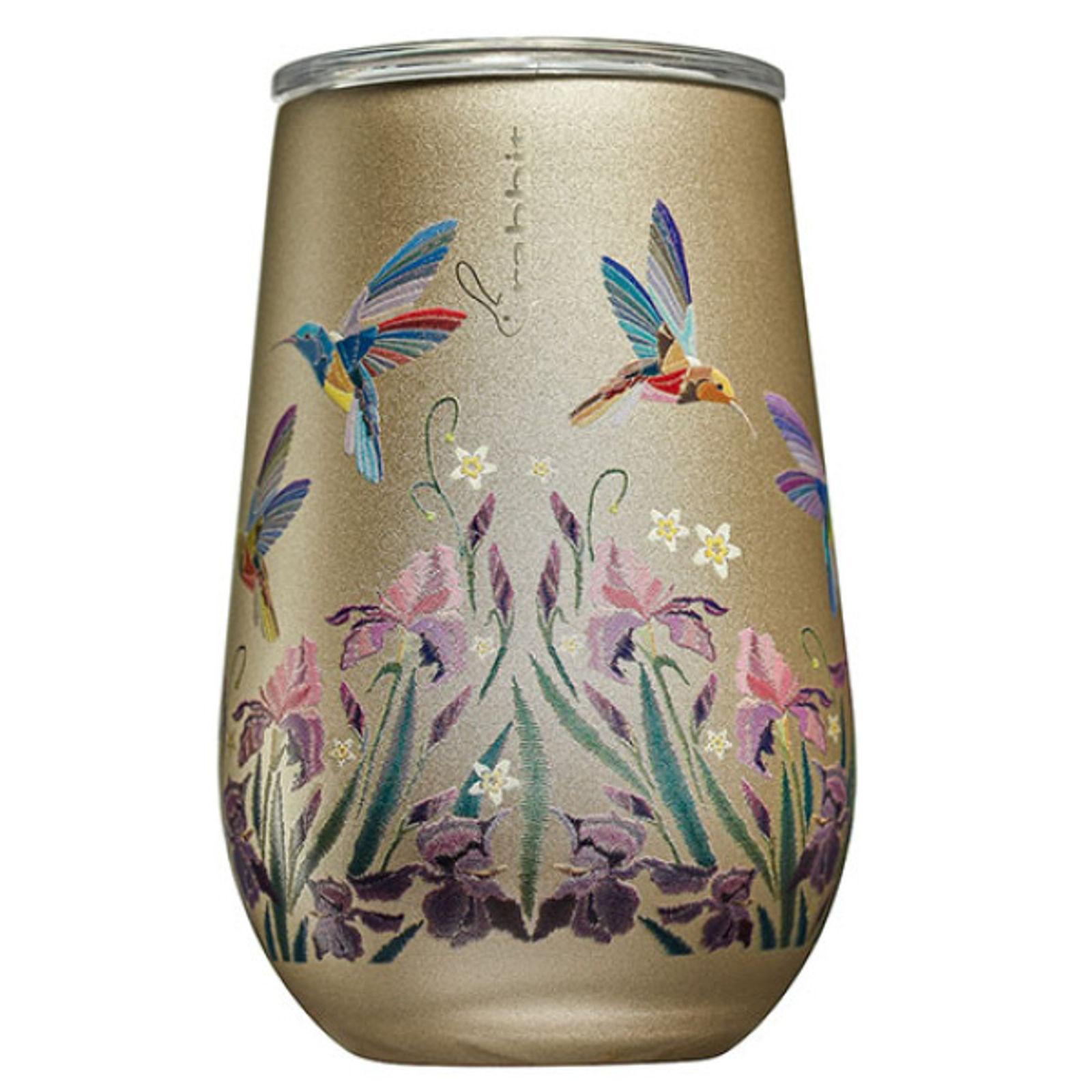
Printed directly on the product
Questions buyers ask
What materials can direct-to-object printers print on?
UV inkjet direct-to-object systems print on glass, metals, many plastics and ceramics. Some surfaces need a pretreatment or primer for adhesion, so the right answer for your product comes from a test print on the actual part.
Is direct-to-object printing durable?
UV-cured inks form a durable film bonded to the surface. Durability depends on the substrate, any pretreatment, the ink set and how the product is used (washing, abrasion, chemicals), so validate it against your own requirements.
Does direct-to-object printing replace labels?
For many products, yes. Printing directly on the bottle or container removes the label stock, the labeling step and the inventory that goes with it. Whether it is the right replacement depends on your volumes, artwork and finish requirements.
Can direct-to-object printers print variable data or personalized designs?
Yes. Because each piece is printed from a digital file, names, numbers, versions and personalized artwork can change from piece to piece without a tooling change.
How fast is direct-to-object printing?
Real speed depends on the object's size and geometry, ink coverage, whether a white underbase is needed, cure requirements and how pieces are loaded. Our guide to real print speed walks through each factor.